
Guide / Camera
Real lenses and flare
77 lens designs with their bokeh, distortion and flare, and the lens's condition.
A camera in Reblend can shoot through a real lens: 77 lens designs, from 1890s portrait lenses to modern primes, zooms, fisheyes and cinema anamorphics. Each one renders with its own bokeh, distortion, vignetting and flare. Real lenses work with perspective cameras, in the Reblend app and with the addon in Blender alike.
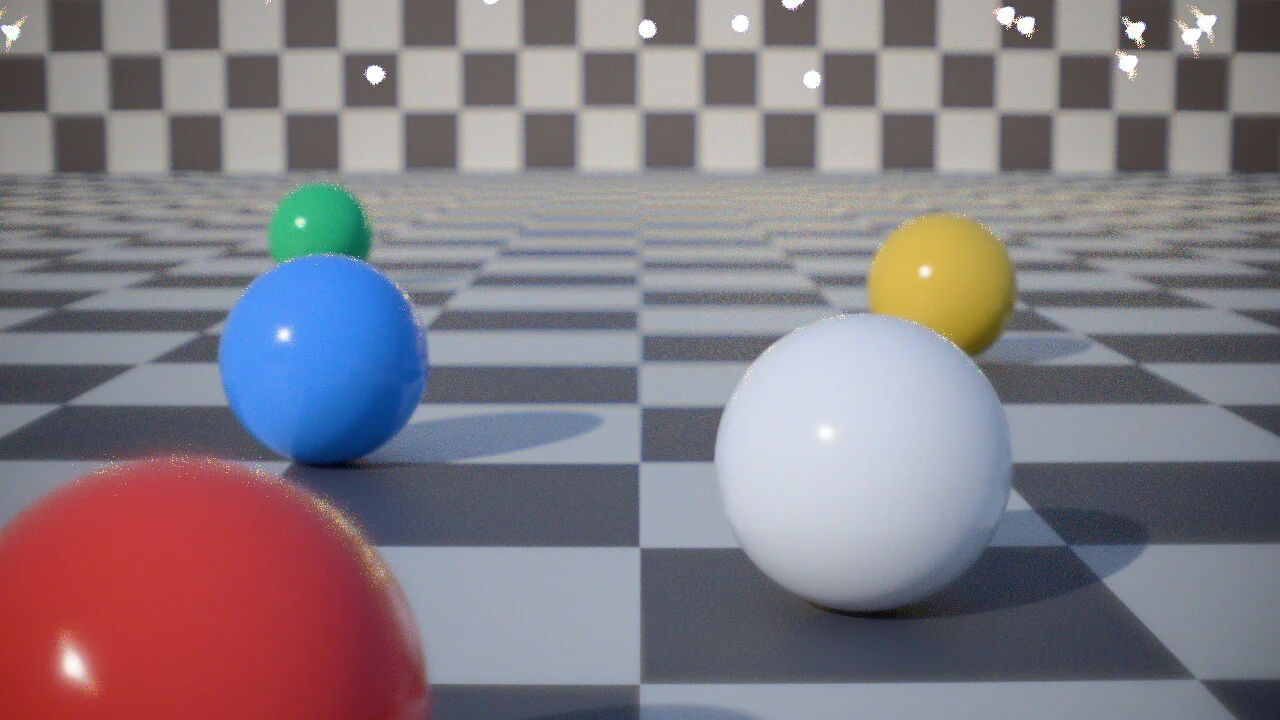
Pick a lens
Camera Properties > Lens has a row of tabs above Focal Length:
- Default
- Blender's own lens, with no picker. New cameras start here.
- Modern
- 47 lenses, 31 primes and 16 zooms, with a Show row to list All, Prime or Zoom. Canon, Nikon, Sigma, Sony, Zeiss, Fujifilm and others, two fisheyes among them.
- Vintage
- 21 primes: Leica, Zeiss Sonnar and Biogon, Cooke, Voigtländer and others.
- Cinema
- 9 primes: Zeiss Master Prime, Leica Summilux-C and three 2x anamorphics.
Click a picture to use that lens. Lenses are listed widest first; hover over one for its full name. Clicking Default goes back to Blender's lens.
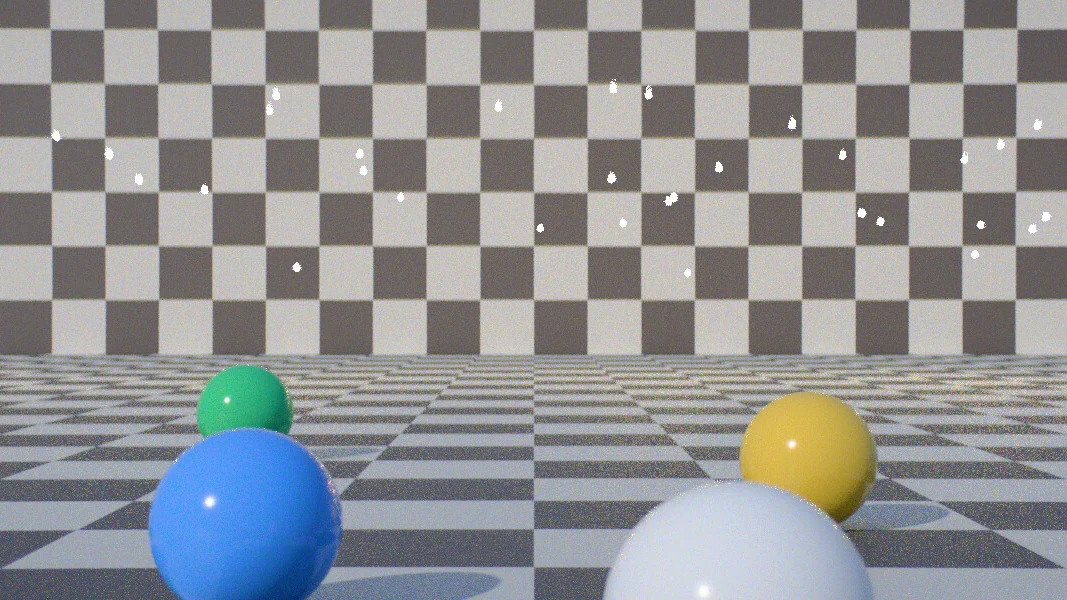
Focal length, f-stop and focus
A prime sets the camera's focal length to its own, and Focal Length is greyed out. A zoom keeps the camera's focal length within its range.
The f-stop, focus distance and iris blades come from Camera Properties > Depth of Field, as for Blender's lens. A real lens always renders its depth of field, whether or not Depth of Field is ticked.
The sensor follows the lens: a full-frame lens gets a 36 by 24 mm sensor, and APS-C, Super 35 and anamorphic lenses get their own. A sensor size you type afterwards stays. To shoot on a set film gate or camera sensor instead, pick it in Format; see Film formats, stocks and exposure. When the frame reaches past what the lens covers, the Lens panel says "Corners fall outside this lens's image" and names the sensor size that fits.
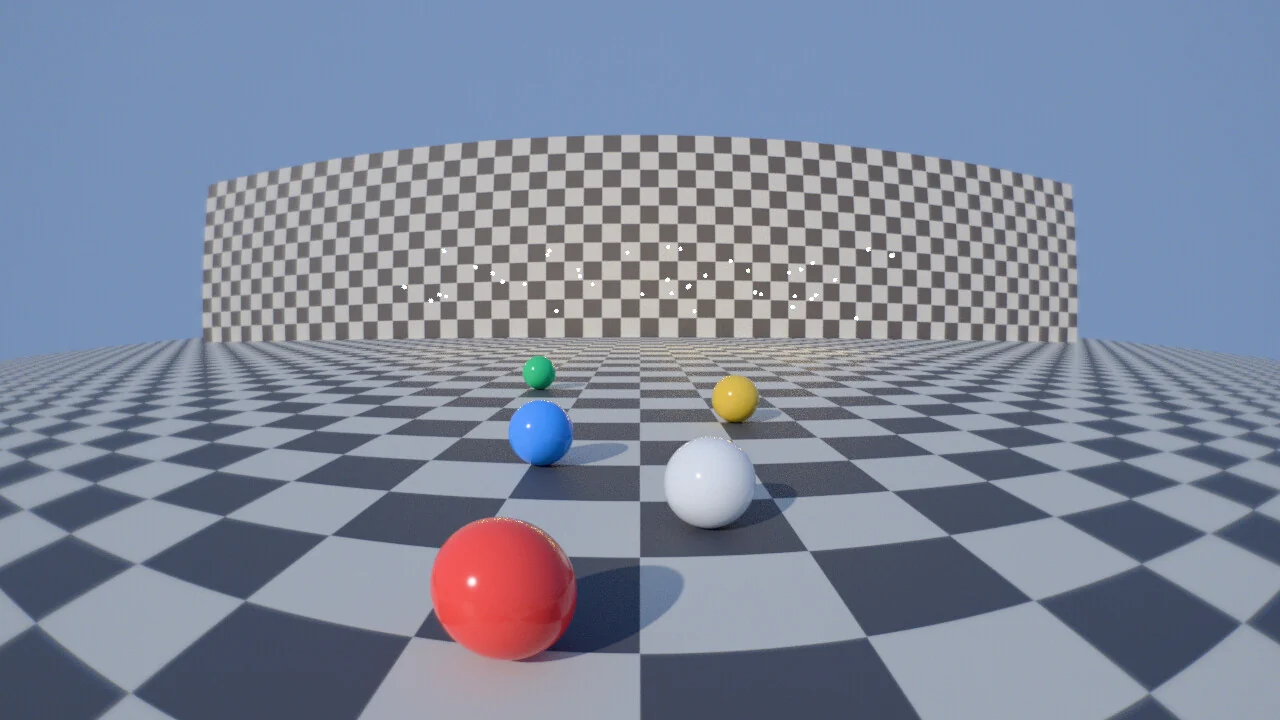
Condition and color fringes
Condition is how clean the glass is: Worn, Used, Clean (the default) or Pristine. Dust, haze and scratches give a glow around bright light and lift the shadows, from faint on Clean to wide on Worn. Pristine has no glow.
Chromatic Aberration, off by default, renders the lens's color fringes: colored edges toward the corners and colored rims on out-of-focus light.
Lens flare
The Lens Flare subpanel under Lens appears once a real lens is picked, and turns on with the first lens. It adds the ghosts and starbursts that lens makes from bright light, in the final render and in the rendered viewport through the camera.
- Strength: 1 by default.
- Starburst: rays around bright lights from the iris's blades, set by the f-stop and Depth of Field's Blades. A round iris gives no rays.
- Lights Outside Frame: lights, glowing objects and bright parts of the world out of shot, or hidden from the camera, flare too, less whatever blocks them. Glass lets their flare through. On by default; it takes extra time.
- Coating: Lens's Own, Single (one layer, as on lenses from the 1940s to the 1970s: warmer, brighter ghosts) or None (bare glass, as before the 1940s).
While a camera flares, a Lens Flare pass is added to the view layer for the compositor.
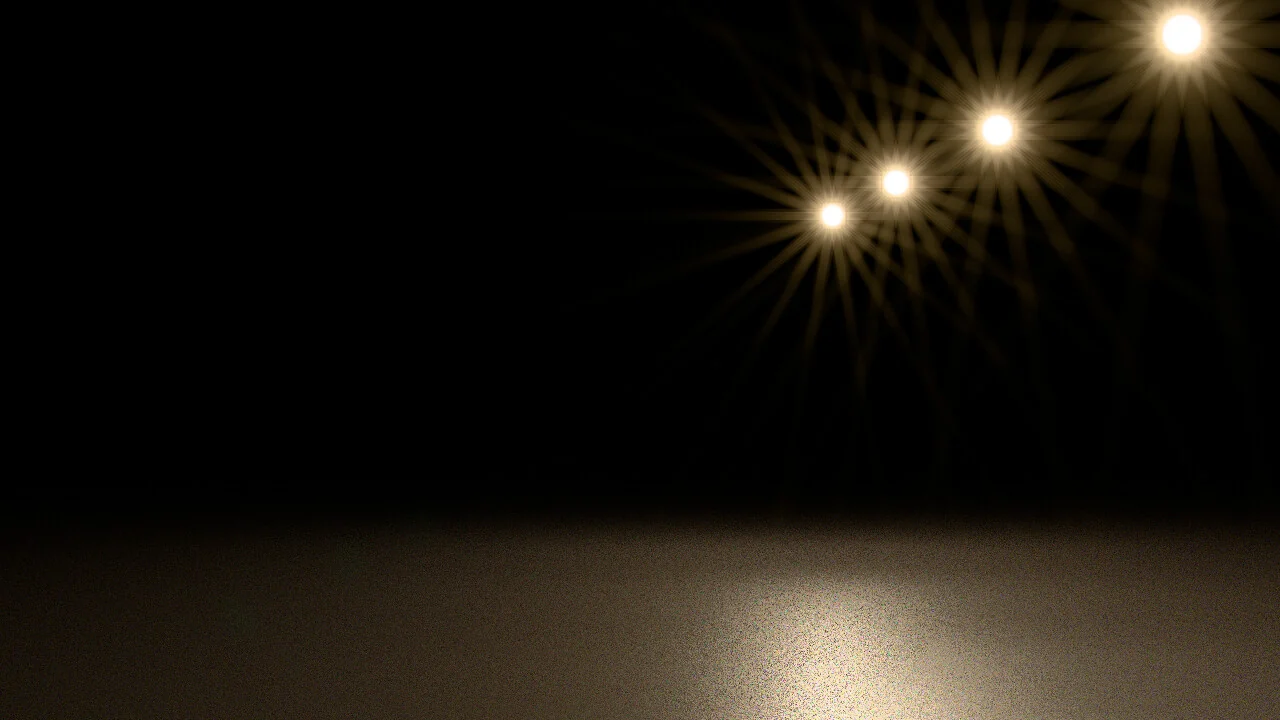
Change effects after a render
After a final render, the Image Editor's sidebar has a Camera Effects tab. Condition, Lens Flare and the film stock settings there change the finished image without rendering again. The tab says "Effects apply at the next render" when that isn't possible: after anything else in the scene changed, after an undo or frame change, a render region smaller than the frame, a stereo render, or a render of more than one view layer. When only these effects changed, F12 also redoes them without a new render.
Limits
Orthographic, panoramic and custom cameras use Blender's lens and make no flare.