
Guide
Reblend's render settings are in the Cycles panels you already know, with the render engine set to Cycles. The metal presets are in the Metallic BSDF node, the materials in the Asset Browser and the Edge Wear modifier in Add Modifier. Start with Install and Choosing a method; after that, each feature has its own page.
Getting started
Install
Mac, Windows and Linux. Shares its settings folder with Blender 5.2.
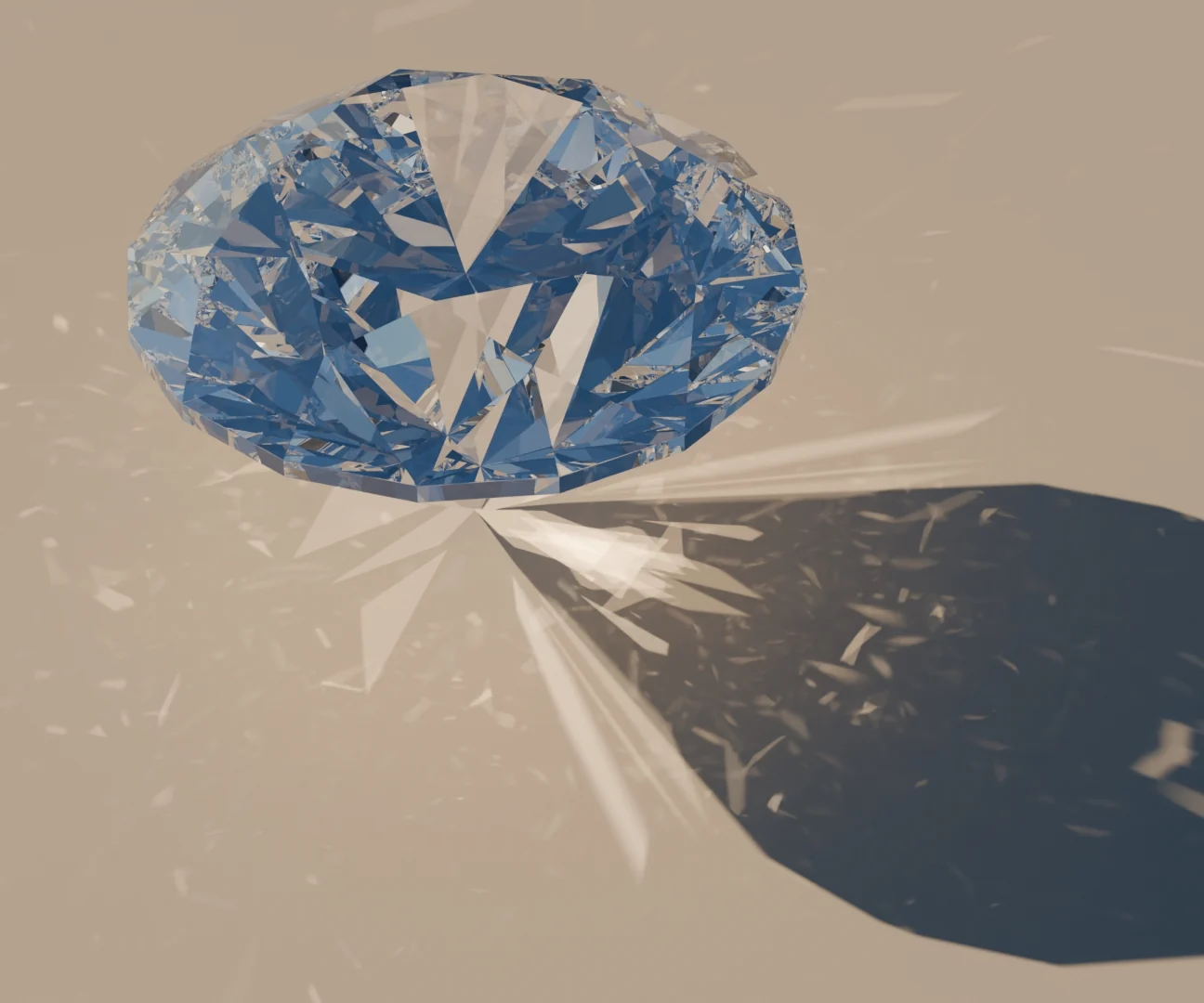
Getting started
Choosing a method
Path Tracing or Bidirectional, and when to use each.
Light
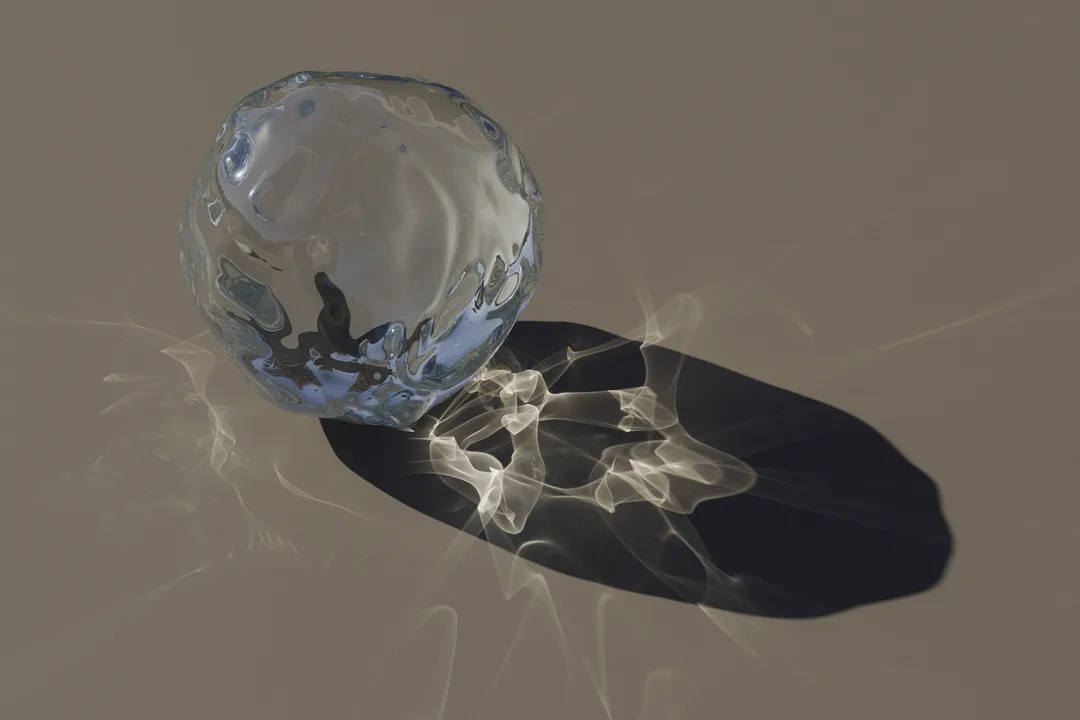
Photon Caustics
Sharp caustics from glass, water and polished metal, with their own render pass.
Light
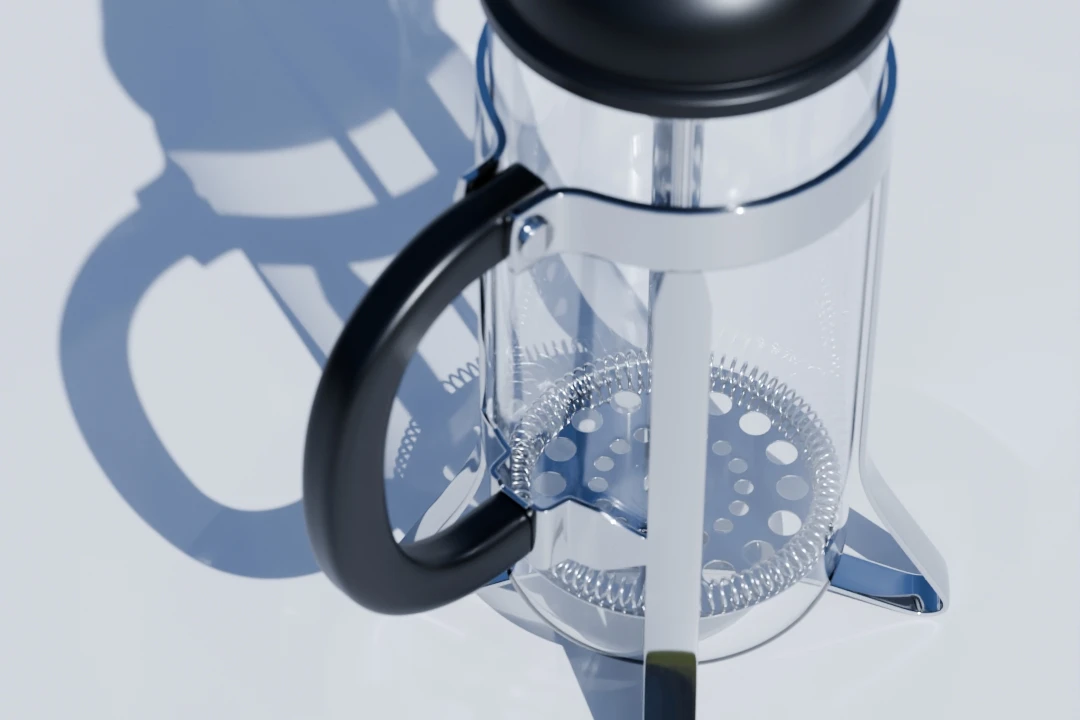
Bidirectional
Light from small or hidden lamps and caustics seen directly, plus custom OSL cameras.
Light
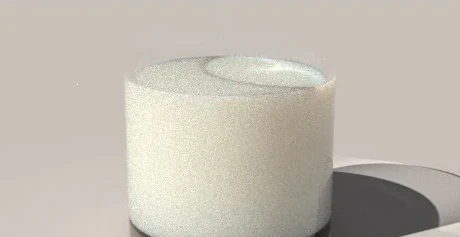
Vertex Merging
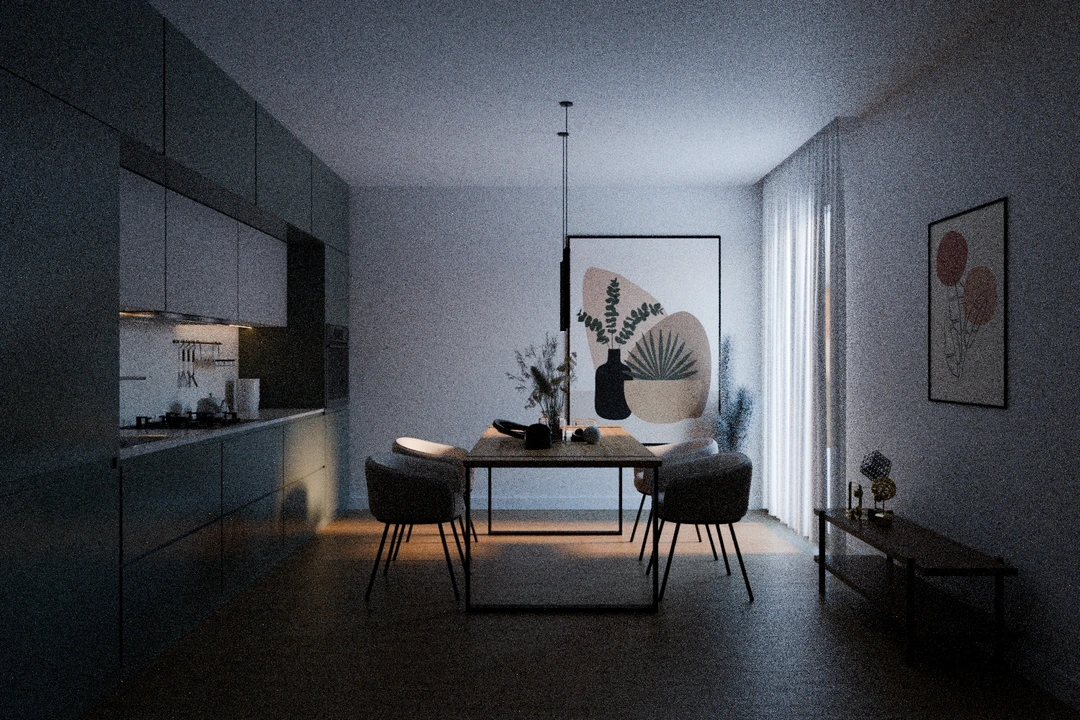
Caustics seen through glass or water: a pool floor, light gathering inside a glass.
Light
Path Guiding
Cleaner renders when most of the light has bounced off a small bright area.

Materials
Nested Dielectrics
Glass, liquid and ice that overlap, without cutting the meshes apart.
Materials
Metals
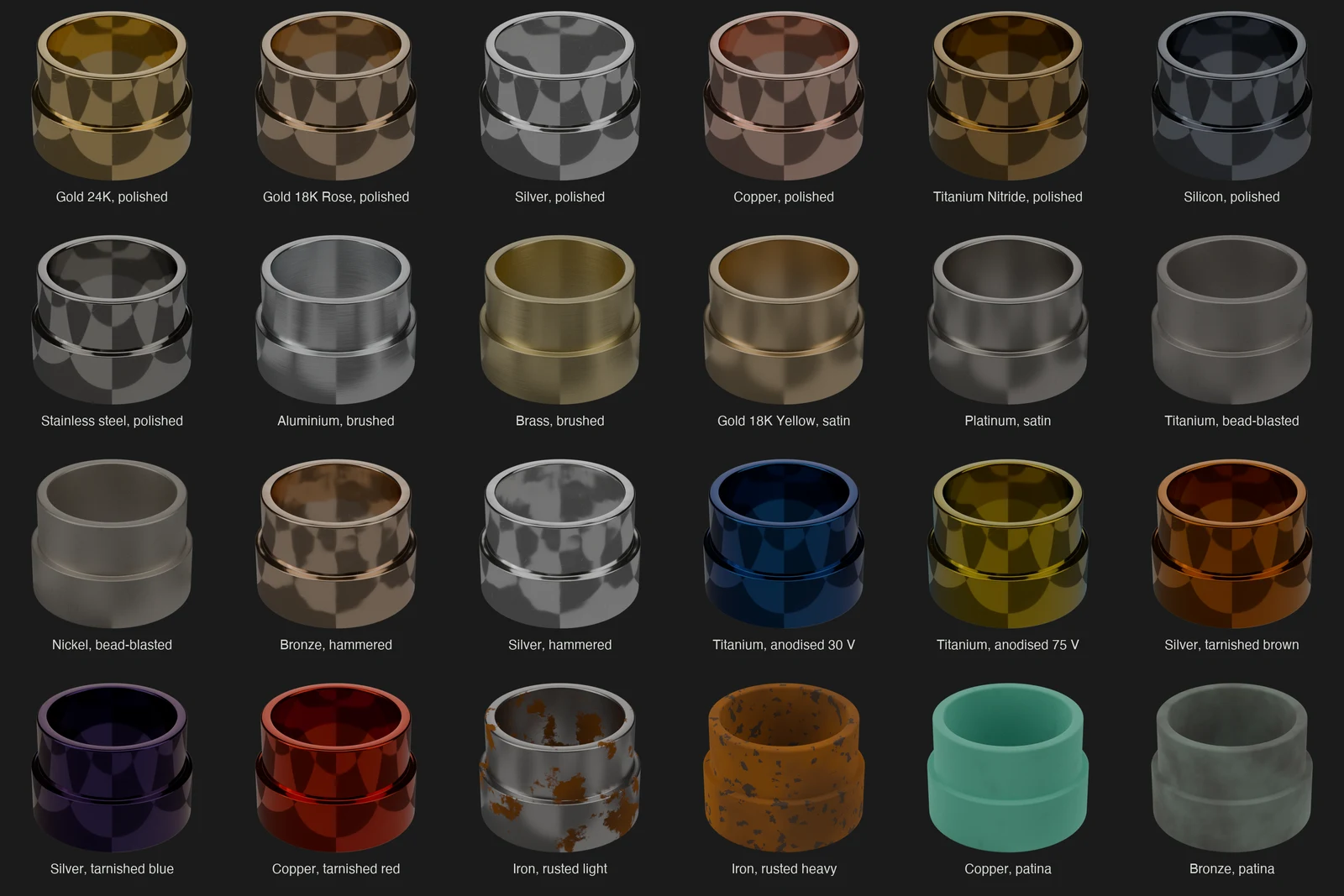
35 measured metal presets and a library of 138 metal materials.
Scene tools
Cutaways
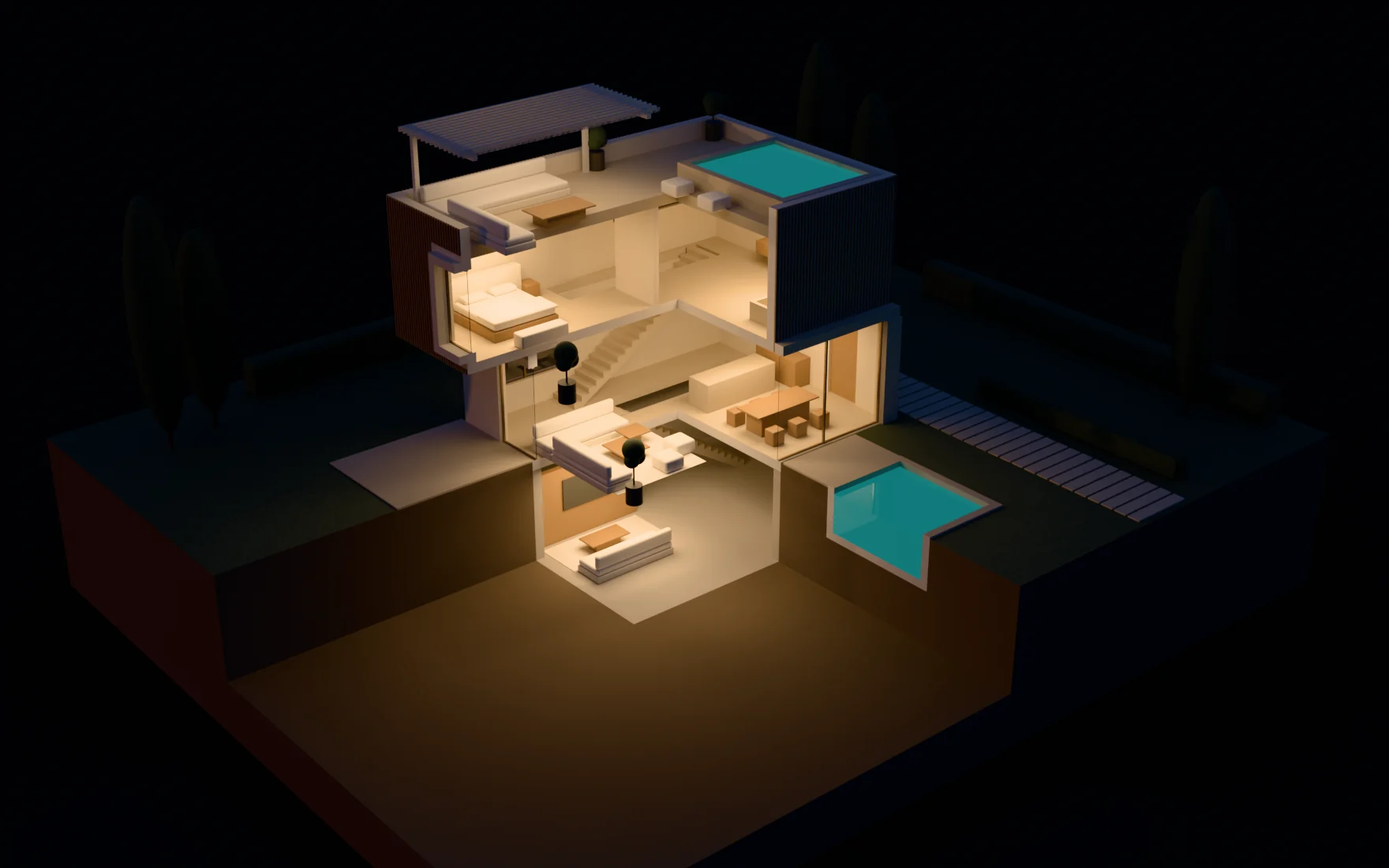
Cut a scene open at render time, with solid faces where objects are cut.
Reference
Known issues
Fallbacks, the first-render wait on OptiX, and what to send me when something breaks.