
Guide / Materials
Reblend Paper
Paper, receipts and labels from a single surface, with light passing through and a print on each side.
Reblend Paper renders a matte sheet such as paper, a receipt, a label or a lampshade from a single surface. Light passes through it as through real paper: a lamp behind a printed sheet shows the print from the back, and thick paper lets less light through than thin paper.
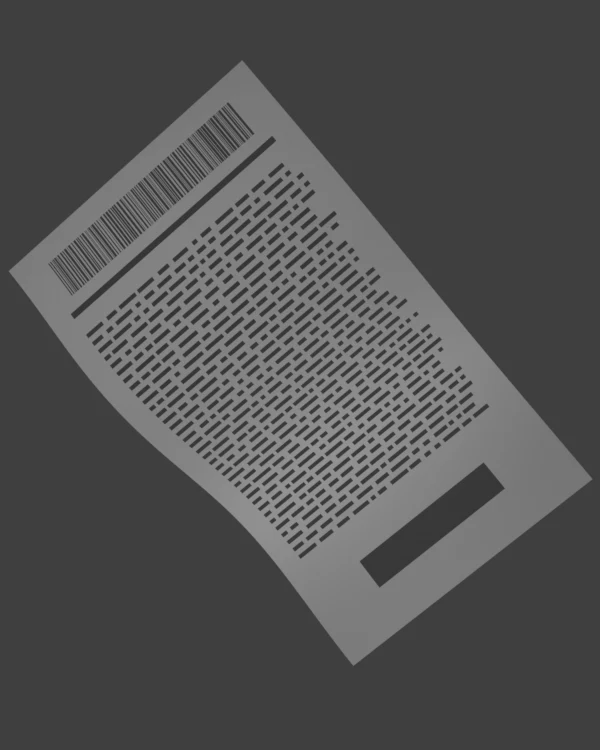
Add it
With Reblend as the render engine, open a material in the shader editor and use Add > Shader > Reblend Paper, or search for it. Connect its BSDF to the Material Output's Surface. A plane is enough: the sheet's thickness is a setting, not geometry.
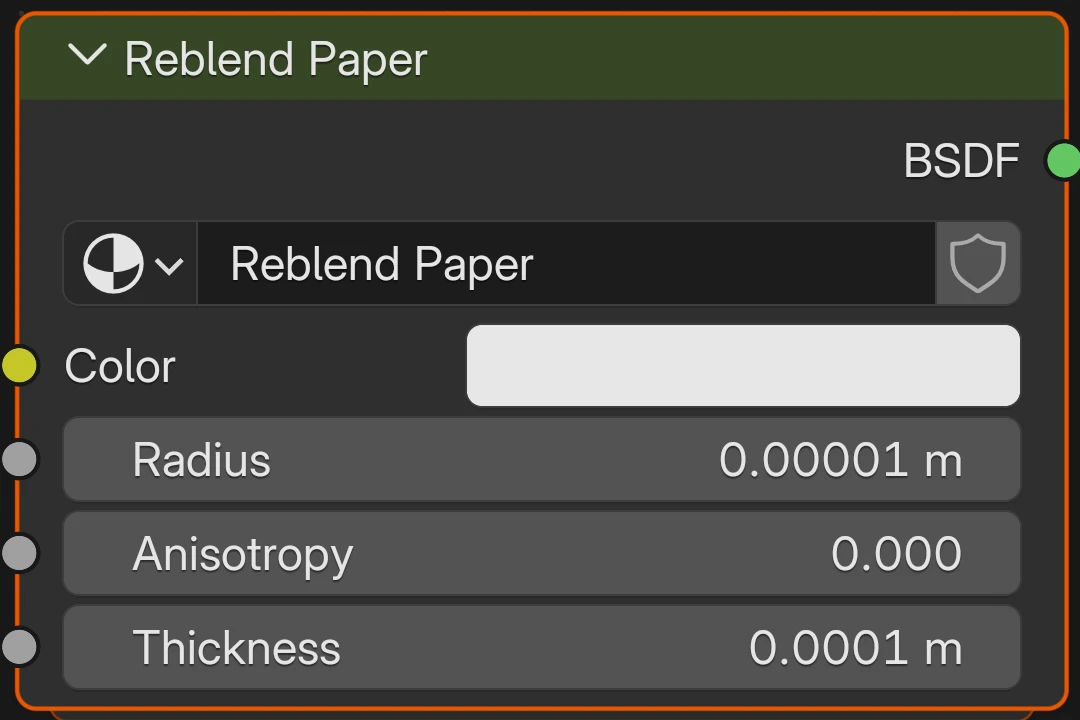
- Color
- The color of the paper where it is thick enough to hide what is behind it. 0.8 by default.
- Radius
- How far light travels in the paper between interactions, 0.00001 m by default. Smaller values make the paper denser, so it lets less light through.
- Anisotropy
- From -0.99 to 0.99, 0 by default. Positive values send more light on through the sheet, negative values send more of it back.
- Thickness
- The sheet's thickness, 0.0001 m (0.1 mm) by default. Thicker paper lets less light through; at 0 the sheet is invisible.
Radius and Thickness work together: doubling both gives the same paper.
Two printed sides
Each side of the sheet can carry its own print. Add a Geometry node and a Mix Color node, connect Geometry's Backfacing to the mix's Factor, put the front print in A and the back print in B, and connect the mix to Color. Light through the sheet then shows both prints, as on a real page held up to a lamp. Radius, Anisotropy and Thickness can differ per side the same way.
Where it works
Paper renders in Path Tracing, Photon Caustics, Bidirectional and Vertex Merging, in bakes, and with Open Shading Language turned on. In Blender's Cycles and other engines the node renders an approximation of the same paper.
Limits
The sheet is matte: it has no glossy surface or coating. A print stays sharp inside the paper and does not blur sideways, and the edges of a plane show no thickness.